
Cards & Points
What Is Capital One Shopping, and Why Am I So Obsessed With It?
Capital One Shopping is a free browser extension and app that pays you rewards when you buy things online. I've been using it for about a year now, and I'm a little obsessed.
Here's why. I recently booked a $104 hotel stay, and Capital One Shopping is showing a $100 pending reward. Yes, $100 back on a $104 purchase.
It's still pending, so I'm not counting it as money in my pocket yet. But that's the kind of offer that keeps me checking. Let me show you how it works, what I've learned, and what to watch out for.
What is it, and why is it free?
Capital One Shopping is a free browser extension and app. You shop online, and it can apply coupon codes, show you offers, and track your rewards for you.
It's not Capital One Travel, and it's not a credit card. Different thing. You don't need a Capital One credit card or bank account to use it, but you do need to be 18 or older and in the US.
So why is it free? The stores pay for it. When you click an offer and finish an eligible purchase, the store pays Capital One Shopping a commission, and it shares part of that with you as a reward.
In other words, you buy something you were already planning to buy and get a piece of the action. I have no complaints about that arrangement.
This is my referral link; I may get a bonus if you qualify. We may receive compensation if you use links on this page. Compensation does not influence our recommendations.
How do you use it?
Add the Capital One Shopping extension to your browser, or get the app, and make an account.
Then comes the only habit that matters. First I find an offer, either from an email or by clicking the S while I'm browsing a store. Then I unlock it, and I check the S to make sure it says Activated. The terms say you have to be logged in and activate the offer for a purchase to count.
Before I pay, I stop for a second and make sure it's on. It's a tiny habit, but it's the difference between getting the reward and wondering later where it went.
- 01Find an offer
- 02Unlock it
- 03Activate
- 04Shop
- 05Track rewards
Here's what that looks like, step by step. The offer in this example is mine.
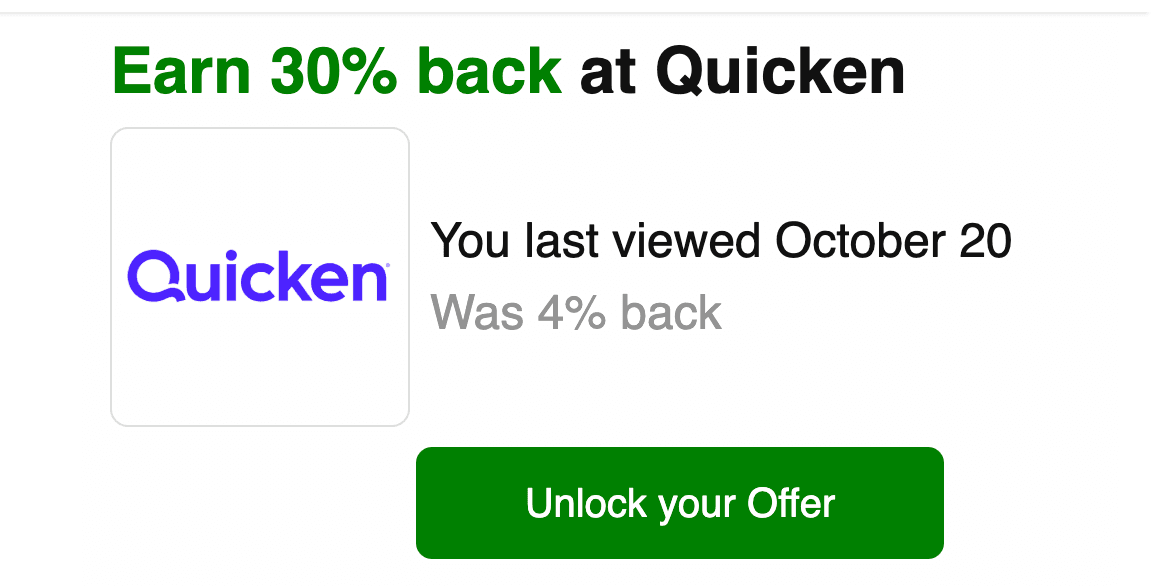
Step 1. I get an email. This one said 30% back at Quicken. It also said I last viewed Quicken on October 20, and that it was 4% back before.
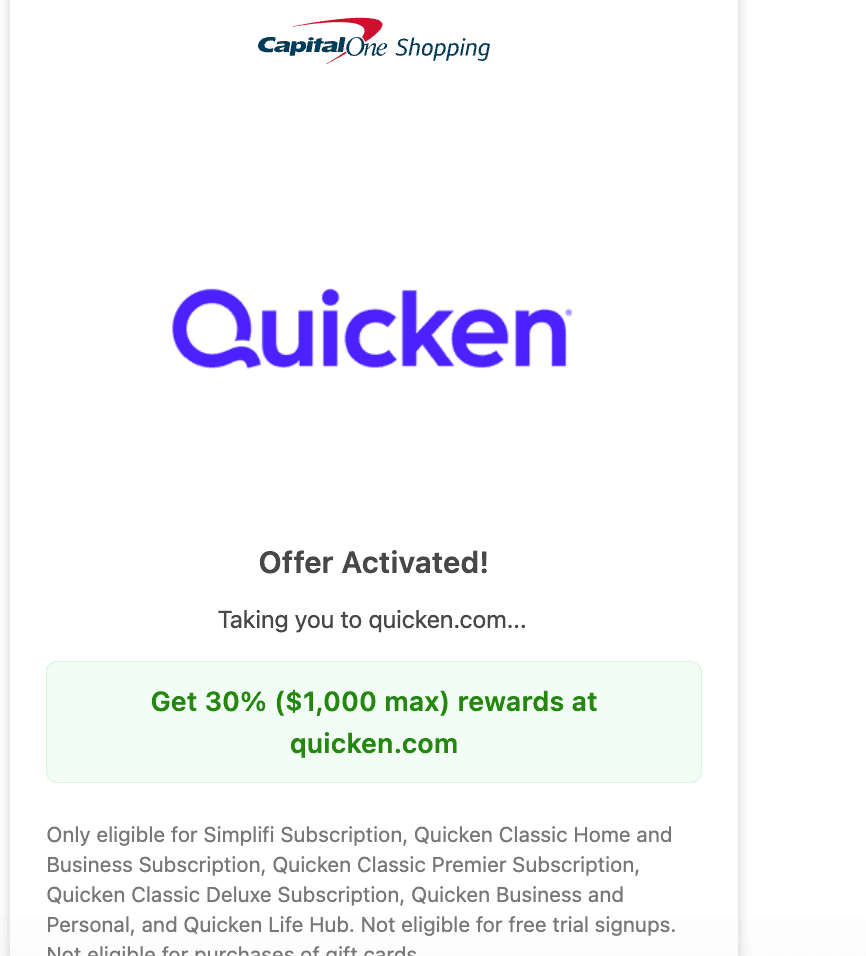
Step 2. I click Unlock your Offer. A page says the offer is activated and sends me to the store. Read the exclusions on this page. They matter.
On this offer, only named subscriptions counted. Free trial signups and gift cards didn't.
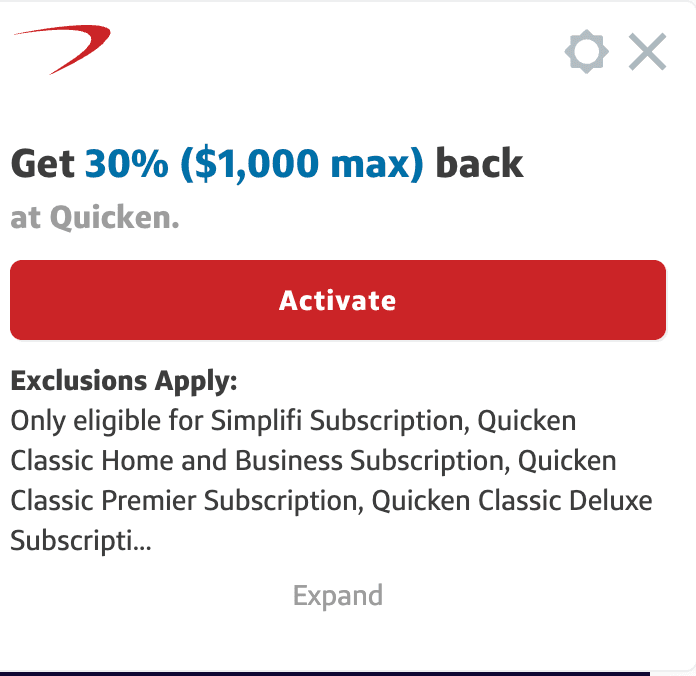

Step 3. On the store's site, I look for the grey circle with an S in my browser's address bar. That's the Capital One Shopping extension icon. I click it.
The popup shows the offer and a red Activate button. After I activate it, the button turns grey and says Activated.
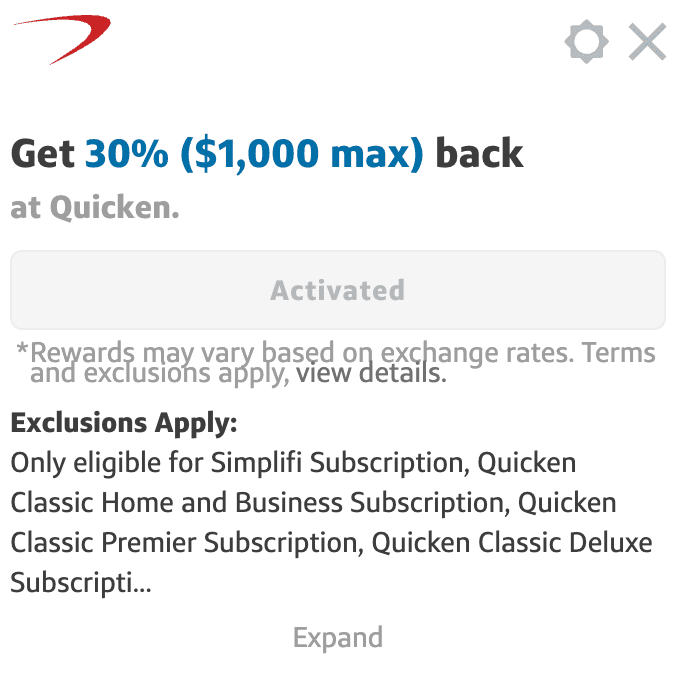
Step 4. Then I buy. The small print says terms and exclusions apply, so I check the details first.

Step 5. A few days later, I can see the pending reward in my portal, along with an expected payout date. That's what I've seen on my account.
Pending means it isn't paid yet. More on that below.
What kind of offers do you get?
Two real examples from my account. Both are still pending, and both are mine, not a promise of what you'll get.
Hotel booking
$100
Pending reward on a $104 purchase
Tripadvisor tour
$159
Pending reward on a $221.98 purchase
I was already planning that Universal Orlando stay and the Charleston food tour. It's been shockingly good for me, and hardly anyone seems to be talking about it.
The best offers seem to show up in my email, and they change constantly. I've used one at Viator too.
Offers don't only come by email. Sometimes I'm just browsing a store, so I click the S in my browser bar, and it tells me if there's a current offer and what it is.
Something I noticed: after I've been looking around websites with the extension on, an offer often shows up a day or two later. That's just what I've seen.
Capital One Shopping doesn't say that's how it works. The emails do say when I last viewed a store, so I think it follows what I've been looking at.
Offers are personalized, so yours won't match mine. Check the terms on your own screen before you buy.
What landed in my inbox lately
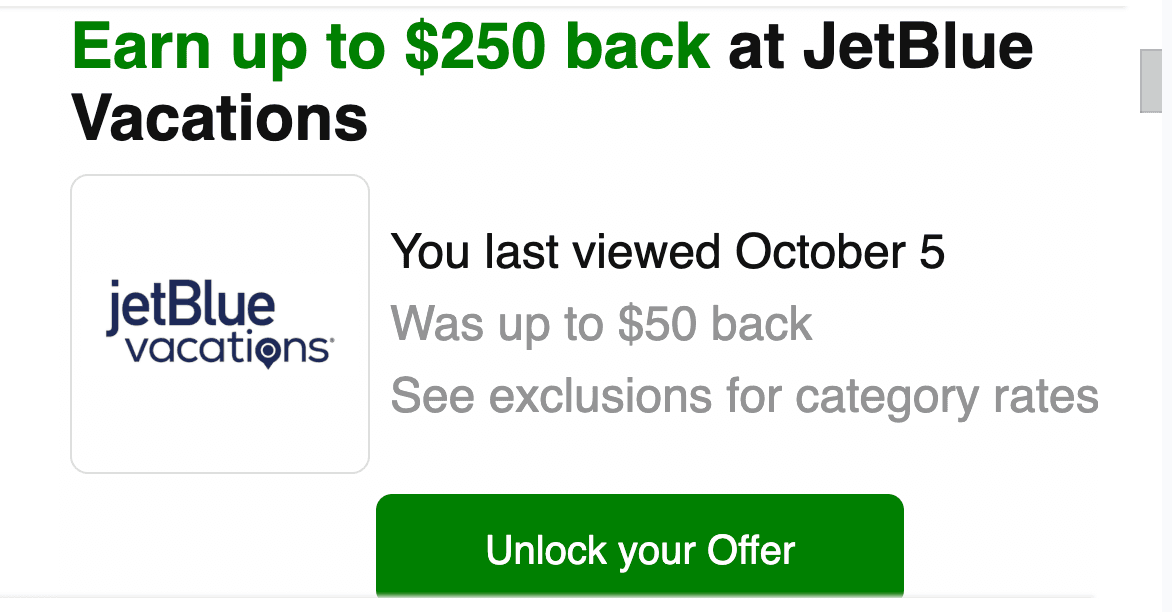
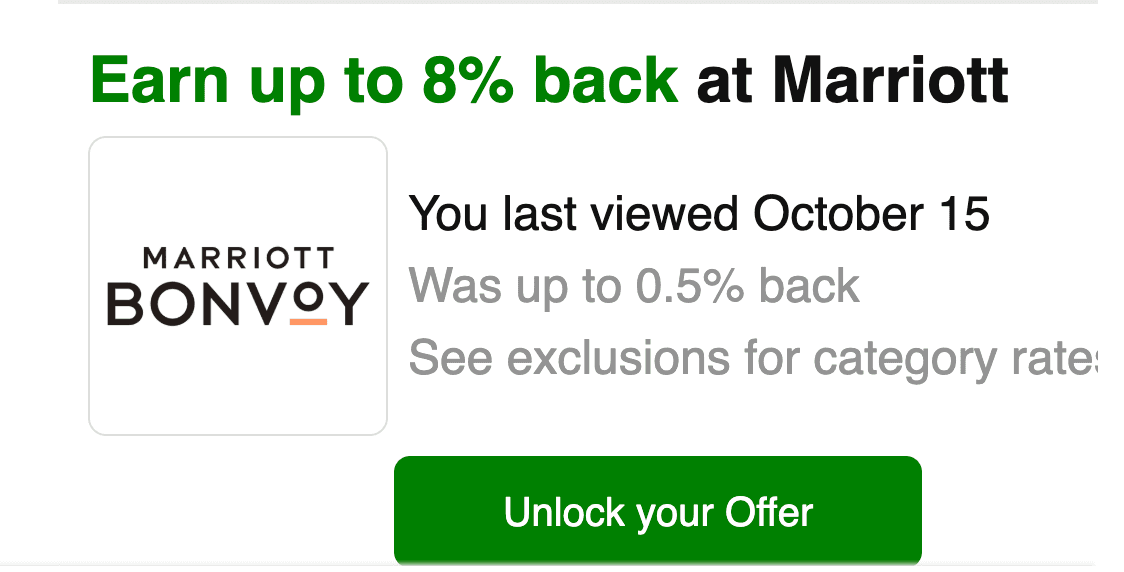
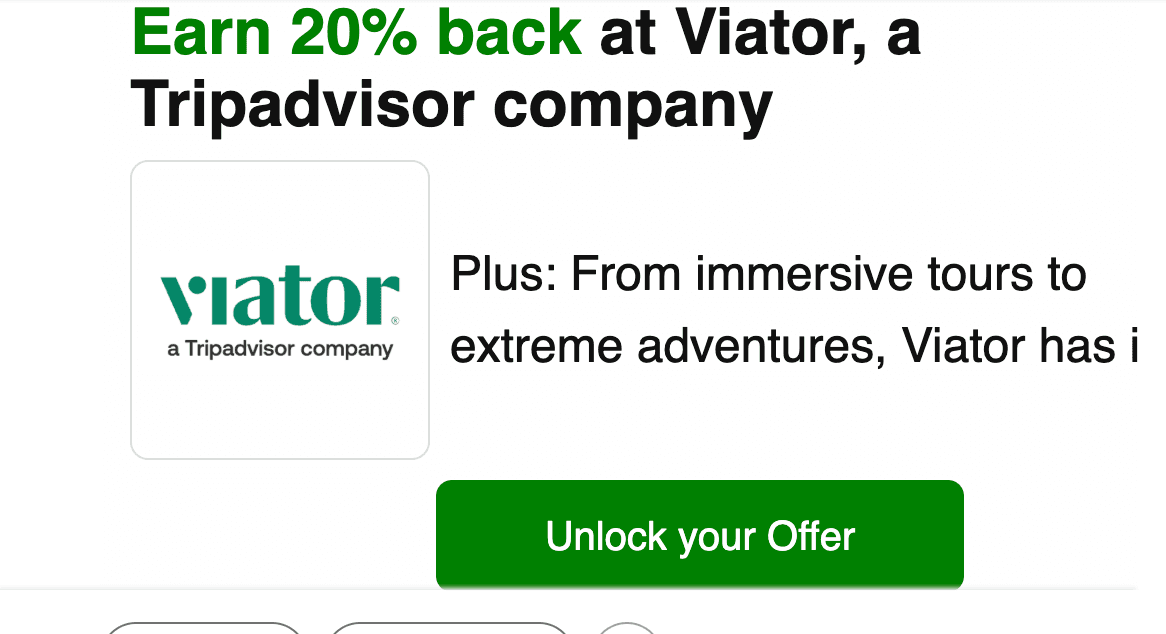
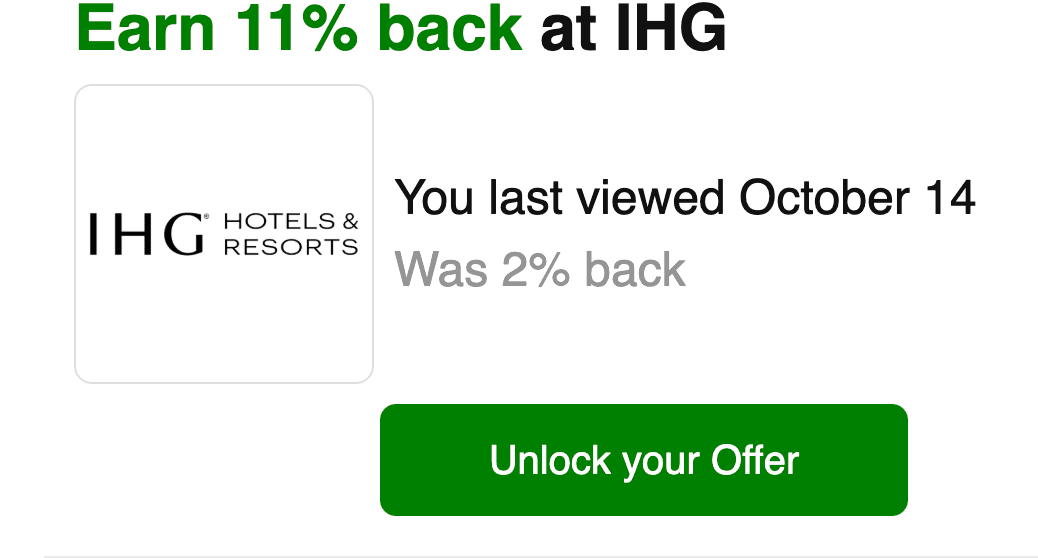
A few recent emails, and they're temporary. Many say "up to" and "exclusions apply," so read the details before you buy.
| Store | What the email says now | What it says it was |
|---|---|---|
| JetBlue Vacations | Earn up to $250 back | Up to $50 back |
| Marriott | Earn up to 8% back | Up to 0.5% back |
| Viator | Earn 20% back | No earlier rate shown |
| IHG | Earn 11% back | 2% back |
| Quicken (not travel) | Earn 30% back | 4% back |
Before you book travel through any shopping portal, read the hotel's or airline's own rules on earning points and status.
When do you actually get paid?
Not right away. A pending reward isn't paid yet.
The company can still cancel or take back a reward, for example if an order is returned. For travel, it waits until after the trip.
The wait can be long. Rewards typically post 30 to 90 days after a purchase, and travel rewards typically post within 90 days after the trip is done. One of my orders shows an expected payout date of about November 22, 2026.
I imagine the wait is there so you can't cancel after the reward is credited.
Once a reward posts, it shows up in your account. Then you pick a gift card from the ones listed on the site and choose the amount, as long as you're at the $5 minimum.
Gift cards I can pick from right now. The travel ones first:
- Marriott Bonvoy
- Hotels.com
- Best Western
- Holland America Line
- Princess Cruises
Plus SeaWorld parks, Uber and Uber Eats, Groupon, and StubHub, the one I pick.
And lots of stores and restaurants, like Hollister, LOFT, Ann Taylor and DoorDash.
Options change, so your list may look different.
Here's the rest of the money stuff, in plain English:
- You earn gift cards, not cash. Rewards come as e-gift cards from stores, and they can never be turned into cash.
- You need a balance of at least $5 to cash them in.
- Once you ask for a gift card, it's final. No take-backs.
- Unused rewards don't expire while your account is open. But close or delete the account and you lose any you haven't used, so turn them into gift cards first.
- You get no reward if you cancel or return a purchase.
- They're not Capital One miles, and they can't be moved to anyone else.
What do I do with mine? I turn them into StubHub gift cards, because StubHub lets me upload the gift card straight into my account, and it stays there until I'm ready to use it. I don't like having to remember gift cards.
I have a few hundred dollars of them stored up. At this point, yes, I fully admit I'm a little obsessed.
What can go wrong?
First, always read the fine print on an offer before you buy. It can exclude things or come with other rules, and that's where people get surprised.
Second, compare offers before every purchase. I use other tools too, like Rakuten, Honey, Atmos and the Southwest shopping portal, so I check what each one is offering before I buy. The terms say having another cash back or coupon extension installed can stop a Capital One Shopping reward, so you need to decide which one you want, and make sure that one is activated before you pay.
Then keep the extension's job easy. You may not get rewards if:
- You have another cash back, coupon, or rewards extension installed.
- You use a VPN.
- You shop in a private or incognito window.
- You clear your cookies before you buy.
- You use other cash back or promo sites for the same purchase.
Overlapping offers have their own rule. Only the most recent one counts.
I wouldn't cancel a booking and rebook it. It may not qualify. The terms say there's no reward if you cancel or return a purchase, and they don't say what happens if you book again, so I just don't risk it.
I'm an impulse shopper, so I had to make a rule for myself. I only use it on things I was already going to buy, because a reward on something you didn't need is still money out of your pocket.
What does it know about you?
The privacy policy says the extension may collect pages you view, prices, and your purchase history on websites, along with the coupons you use. It can also collect your general location, and your precise location to find offers near you. The policy also says it shares email lists with Capital One affiliates in the US, Canada and the UK.
The terms go further. By using it, you agree to let it collect from loyalty programs too, including loyalty program credits or other incentives you have earned. For a points person, that's the line to think about.
The company says it doesn't sell your personal information to third parties for their own marketing. It says price and coupon information it shares won't identify you.
Check the extension's permissions and decide if you're comfortable.
Can you earn by referring a friend?
Yes, and we have a referral link right here. If you decide to use it, we appreciate the support.
This is my referral link; I may get a bonus if you qualify. We may receive compensation if you use links on this page. Compensation does not influence our recommendations.
Once you sign up, you get your own referral link too. My account page tells me to invite friends to sign up with my unique link, and yours will have one too. Send it to friends and family and let them in on it too.
When it works, both you and your friend get a bonus. As of October 25, my account page shows $80 for me. Amounts can change, so check what you see.
Here's what your friend has to do, per the terms my account shows as of October 25, 2026:
- Be a brand new user, and live in the United States.
- Sign up using your referral link.
- Install the extension within 7 days of signing up. It has to be their main browser, with full permissions, on a device that never had the extension.
- Spend at least $10 through Capital One Shopping within 60 days of installing it.
- Not uninstall it or change its permissions during that trial period. If they do, neither of you gets the bonus.
Bonuses are supposed to land within 30 days after both of you finish everything. There's also a limit on how much one person can earn from referrals.
Quick answers
- Is it free? Yes, it's free.
- Can I get cash? No. Rewards are e-gift cards only.
- Do rewards expire? Not while your account is open.
- How do I know the offer is real? Check it on your own screen. Offers differ and can change.
- Is this the same as Capital One Travel? No. Different thing.
- What if a reward goes missing? Check your activity page first, and give it the full posting window. If it still isn't there, contact customer service with your order details.
Your next move
Ready to see what offers you get? Install the extension, check your available offers, and compare before your next purchase.
This is my referral link; I may get a bonus if you qualify. We may receive compensation if you use links on this page. Compensation does not influence our recommendations.